Front-End Refactor | Shadow DOM Styling | Interface Override

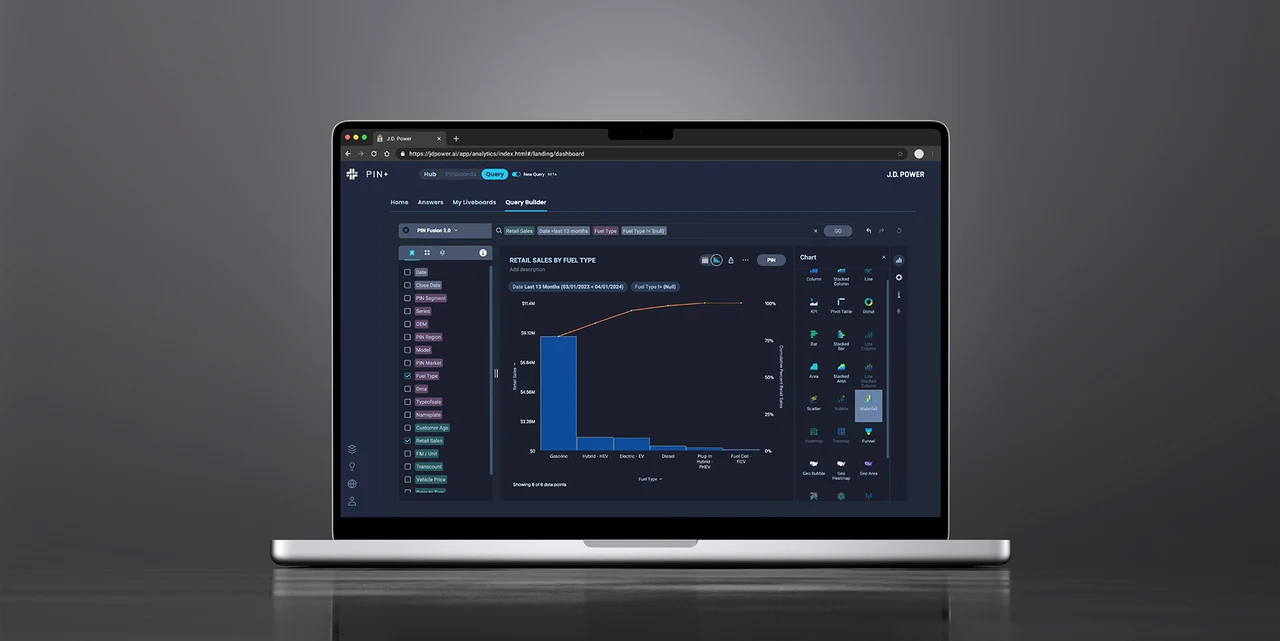
CONTEXT
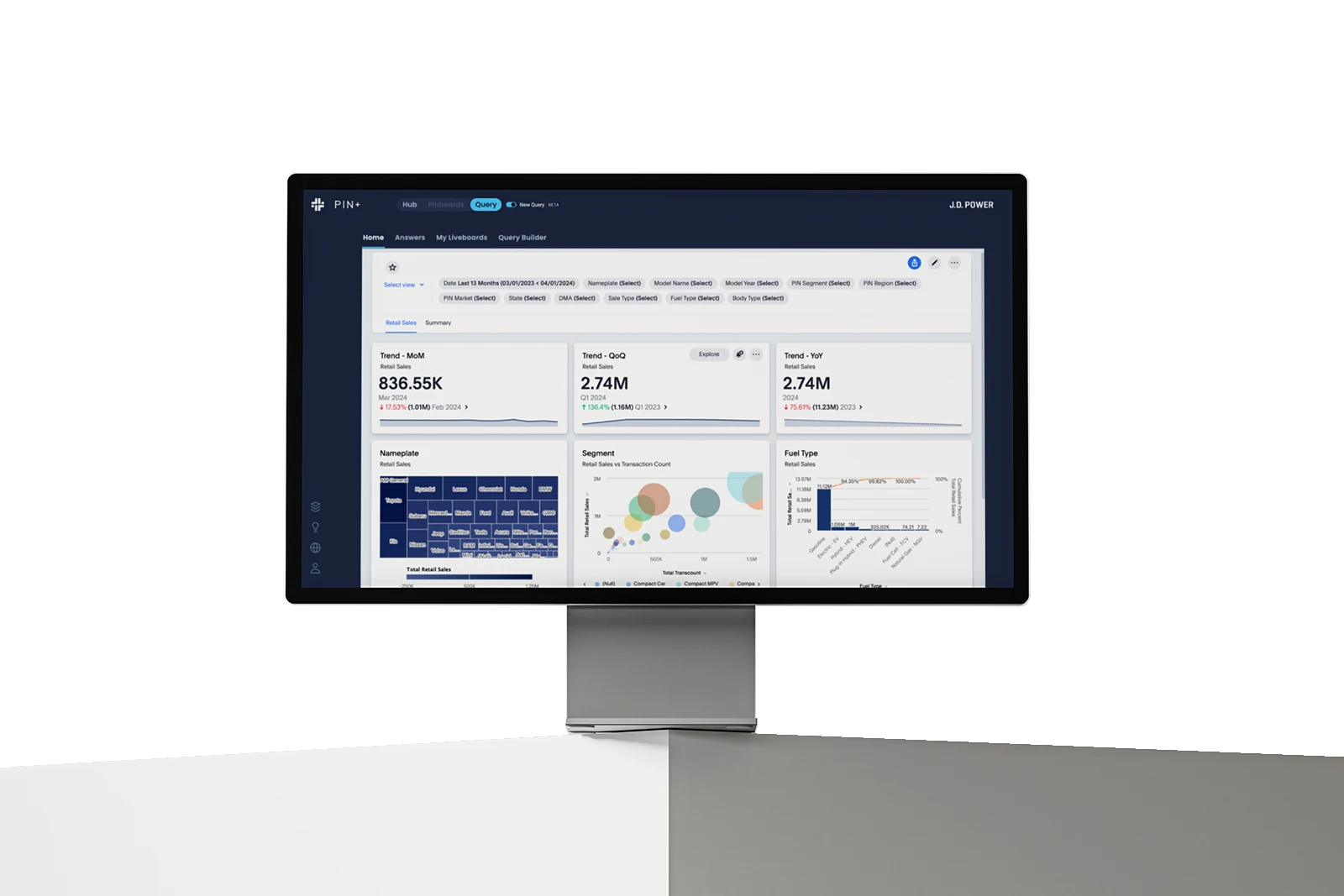
The PIN+ platform integrates ThoughtSpot’s query tool to let analysts explore data on demand. However, ThoughtSpot’s default interface conflicted with PIN+’s native design system — making users feel as if they were switching between two unrelated products. The sudden visual and behavioral shift broke continuity and trust, leading to higher cognitive load, slower adoption, and reduced confidence in the tool’s results.
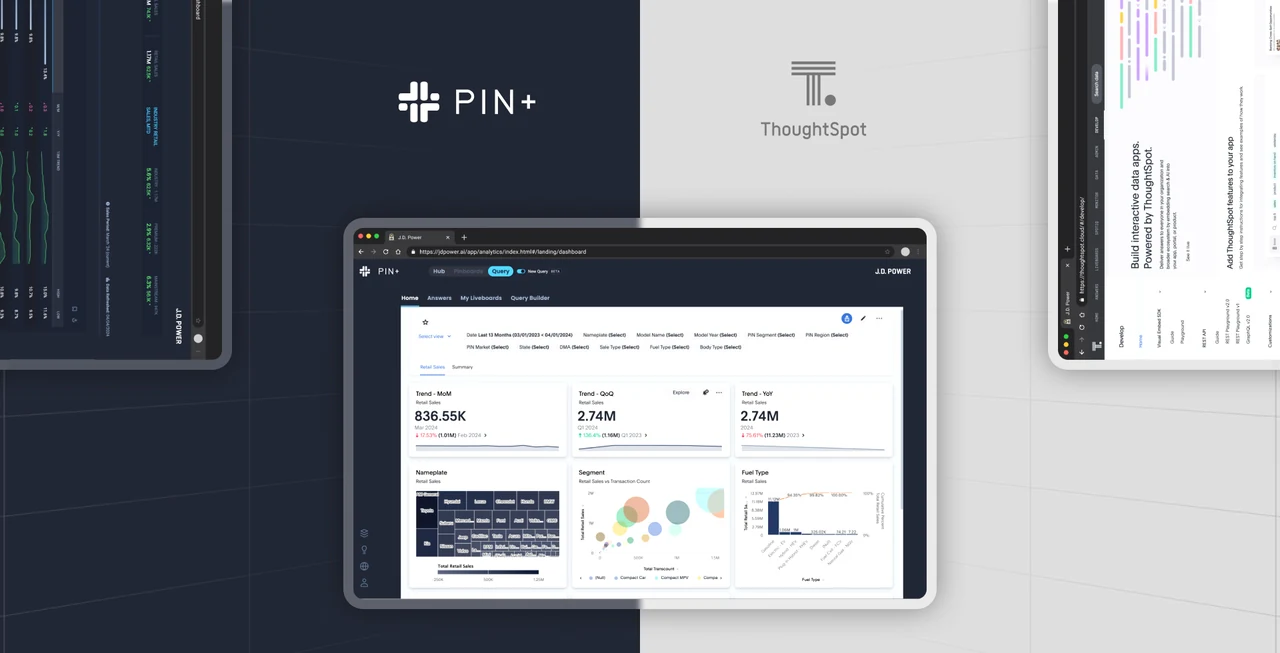
PROCESS
To bridge the gap between ThoughtSpot’s rigid styling and PIN+’s design system, I followed a structured process:
Inspected ThoughtSpot’s DOM and CSS layers using browser dev tools to identify style hooks and assess which components could be safely overridden without breaking functionality.
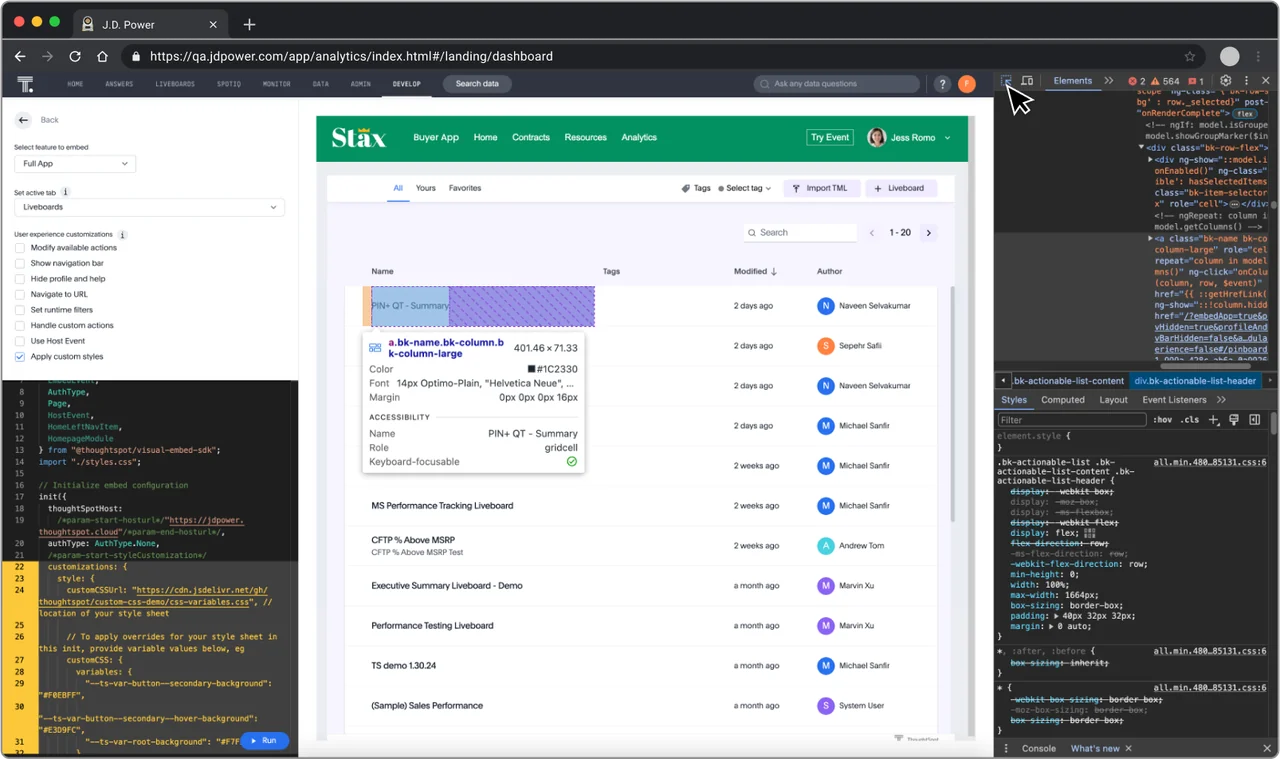
Built a custom stylesheet on top of ThoughtSpot’s native UI, mapping PIN+ tokens (color, typography, spacing) to achieve full visual alignment while maintaining component behavior.
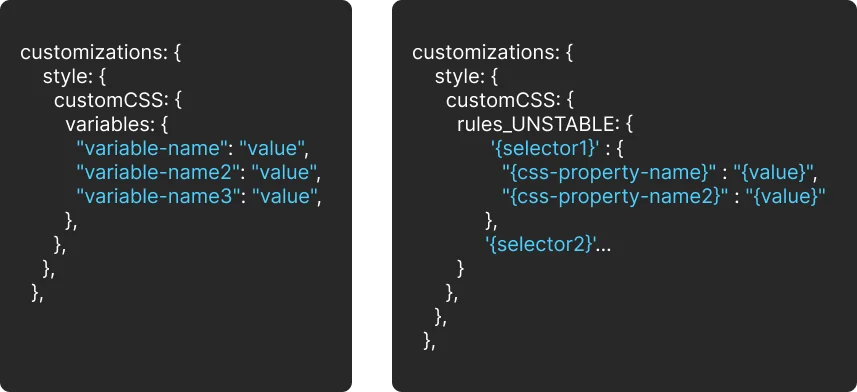
Packaged and versioned all CSS overrides into a maintainable module. Conducted regression testing across browsers to validate performance and ensure cross-system stability.
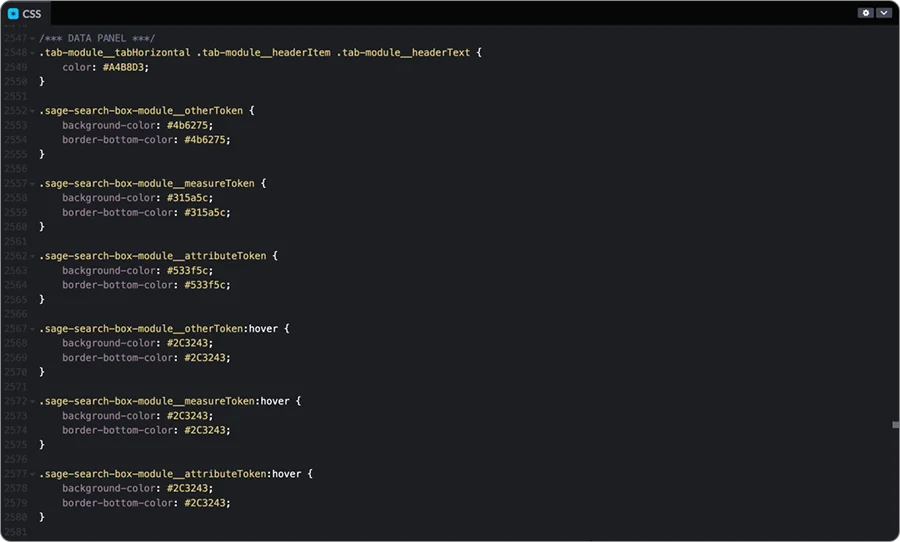
Deployed the customized UI inside the PIN+ platform, replacing ThoughtSpot’s default skin with a seamless, native interface—visually unified yet functionally identical.
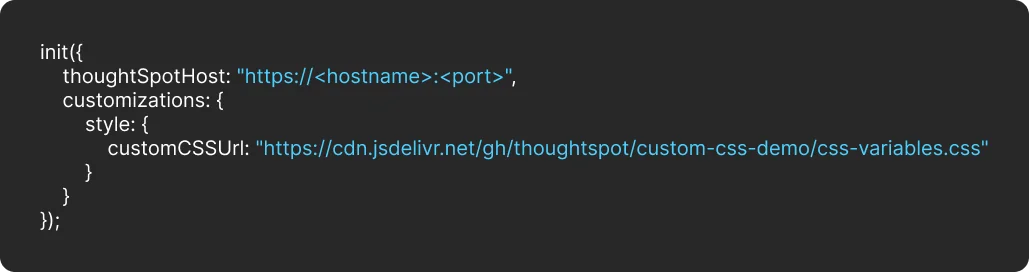
SOLUTION
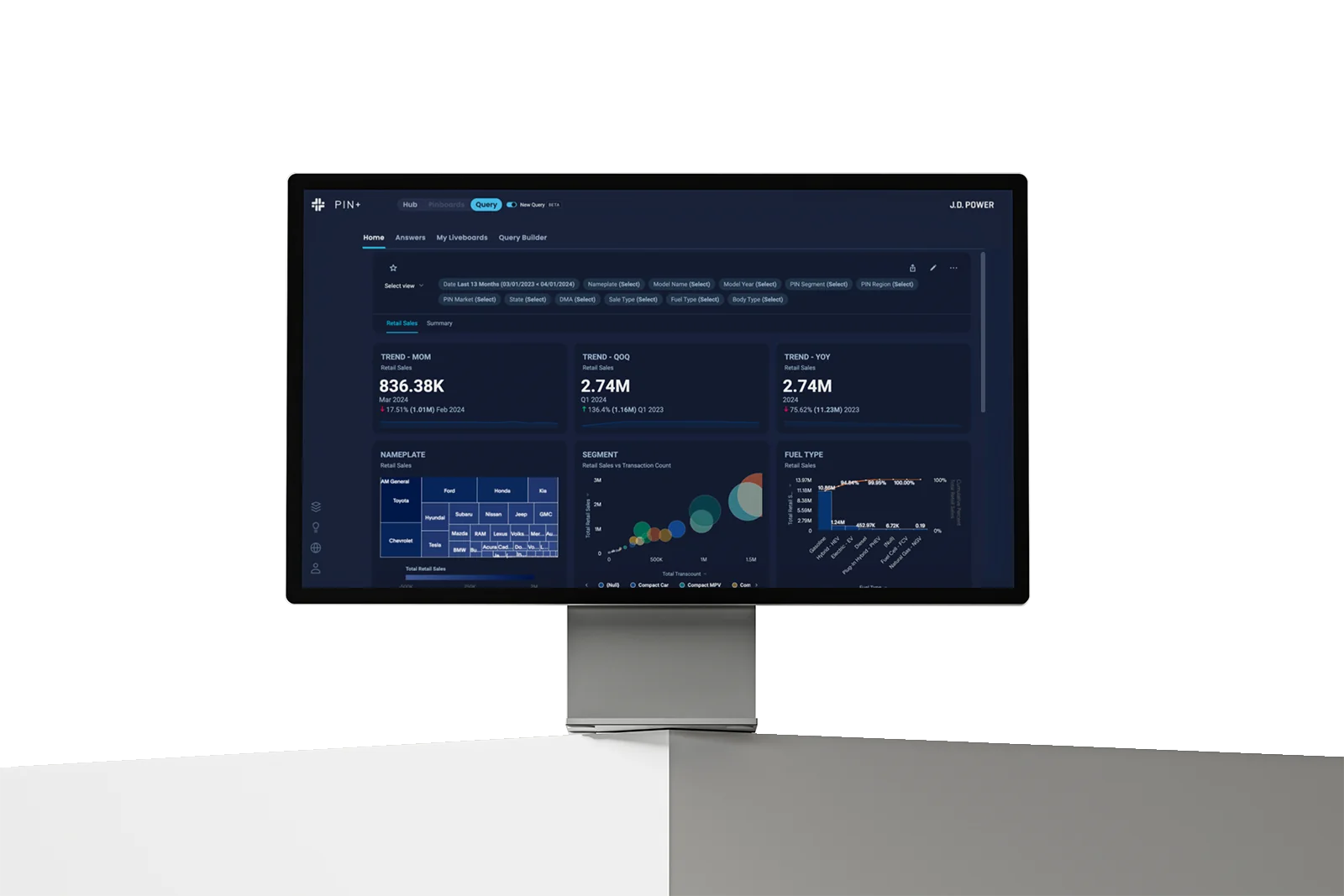
Through targeted customization, ThoughtSpot’s default UI was fully adapted to align with the PIN+ design system. The result was a cohesive, professional interface that feels native to our ecosystem — every layout, color, and interaction refined to match the brand’s design language.
We refined the flows through multiple iterations, focusing on clarity, efficiency, and reducing cognitive load.
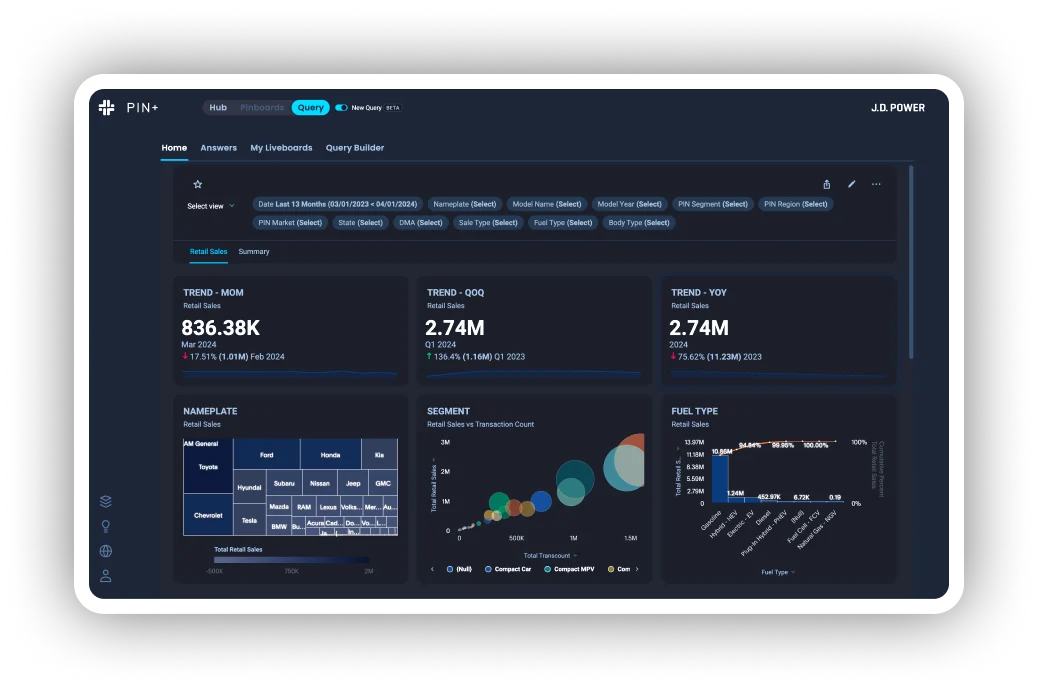
Previously cluttered and hard to scan, lists are now streamlined—helping analysts find and revisit work with ease.
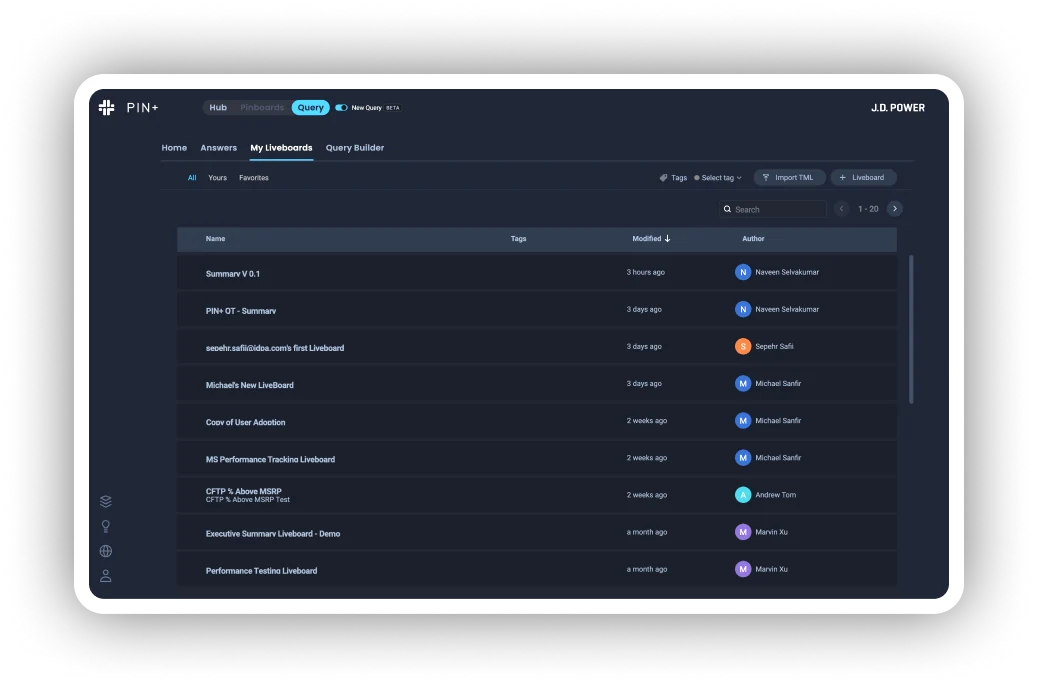
Dense, technical information was restructured into a cleaner flow, so complex queries feel approachable instead of overwhelming.
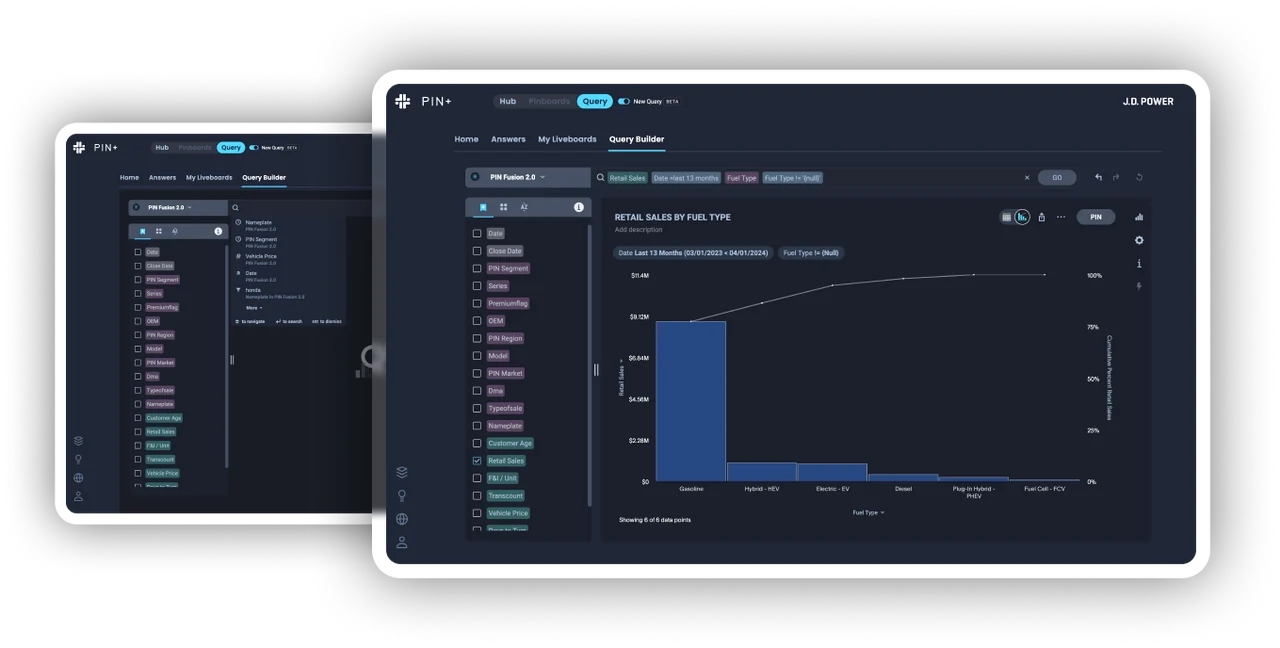
Even the smallest interactions were redesigned, ensuring every detail matches PIN+’s style and feels intentional.
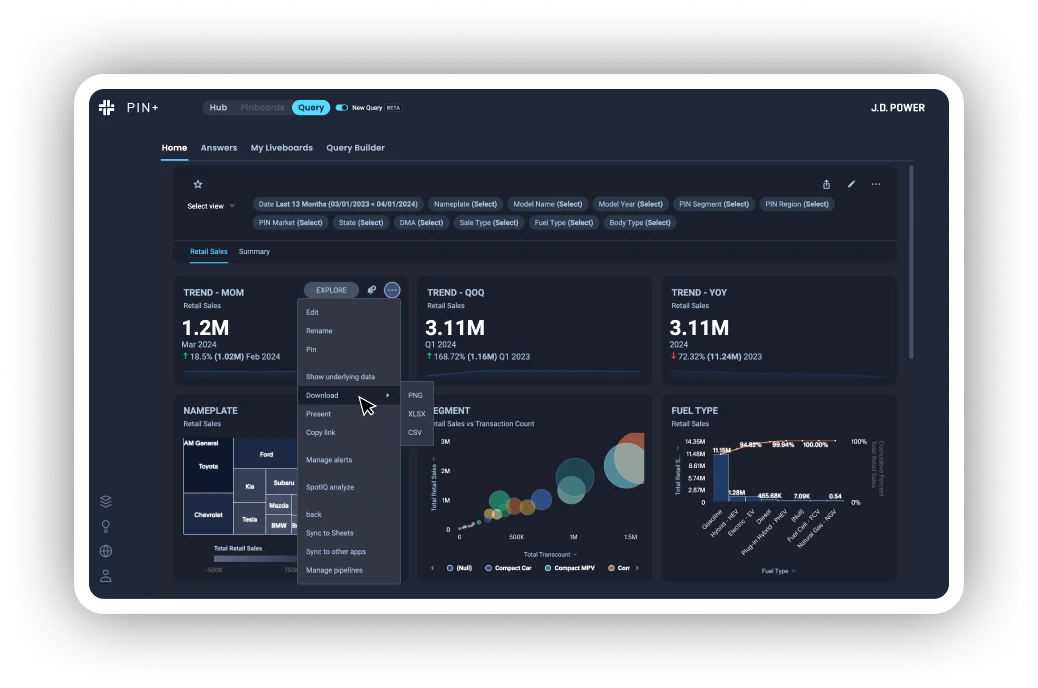
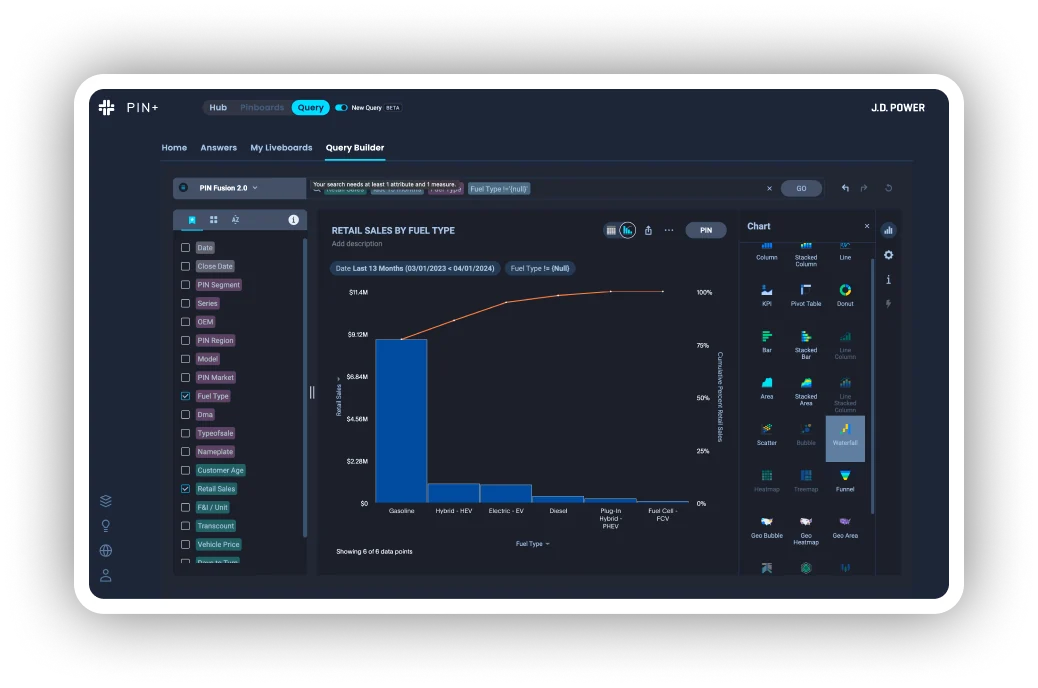
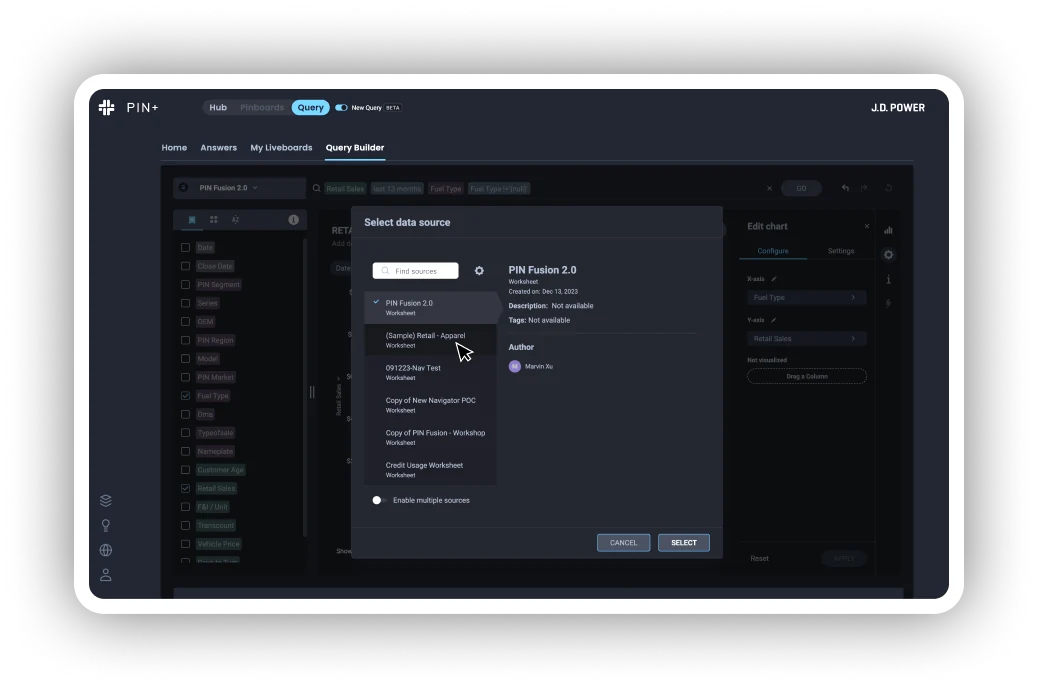
After
Before
IMPACT
💬
User Confidence Restored
Analysts described the redesigned ThoughtSpot module as clearer and more trustworthy — raising overall satisfaction to 84% in post-test surveys.
🚀
Adoption Through Familiarity
5 of 8 internal pilot teams integrated the tool into their daily workflows after experiencing the consistent PIN+-style interface.
📈
Speed to Insight
Unified design standards reduced cross-team alignment effort and visual discrepancies, improving overall collaboration and delivery speed.